FOCUS Tips & Tutorials · October 18, 2026 · Era
Make FOCUS Fit Your Life: Integrations, Custom Areas, and Focus Settings
Your life doesn't fit into one category, and your productivity system shouldn't either. Learn how Google Calendar, Spotify, custom Areas, Focus Coach, and reminders can help you create a FOCUS setup that works for your everyday routine.
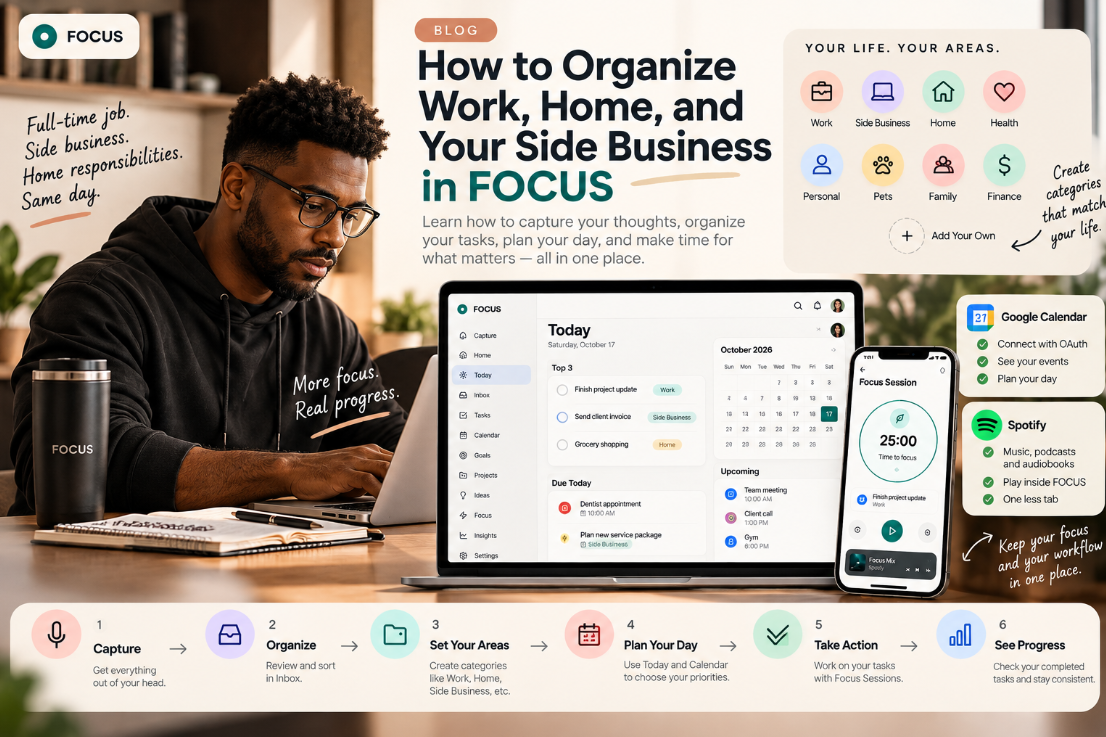
Your calendar is full, your to-do list keeps growing, and you still have things to remember outside of work. Maybe you're managing classes, running a business, taking care of your family, or trying to make time for yourself. The reality is that life doesn't happen in separate little boxes. Your productivity system should be flexible enough to support all of it. That's one of the things I love about building FOCUS: being able to customize the experience around the way you actually live, work, and manage your responsibilities.
Connect the Tools You Already Use
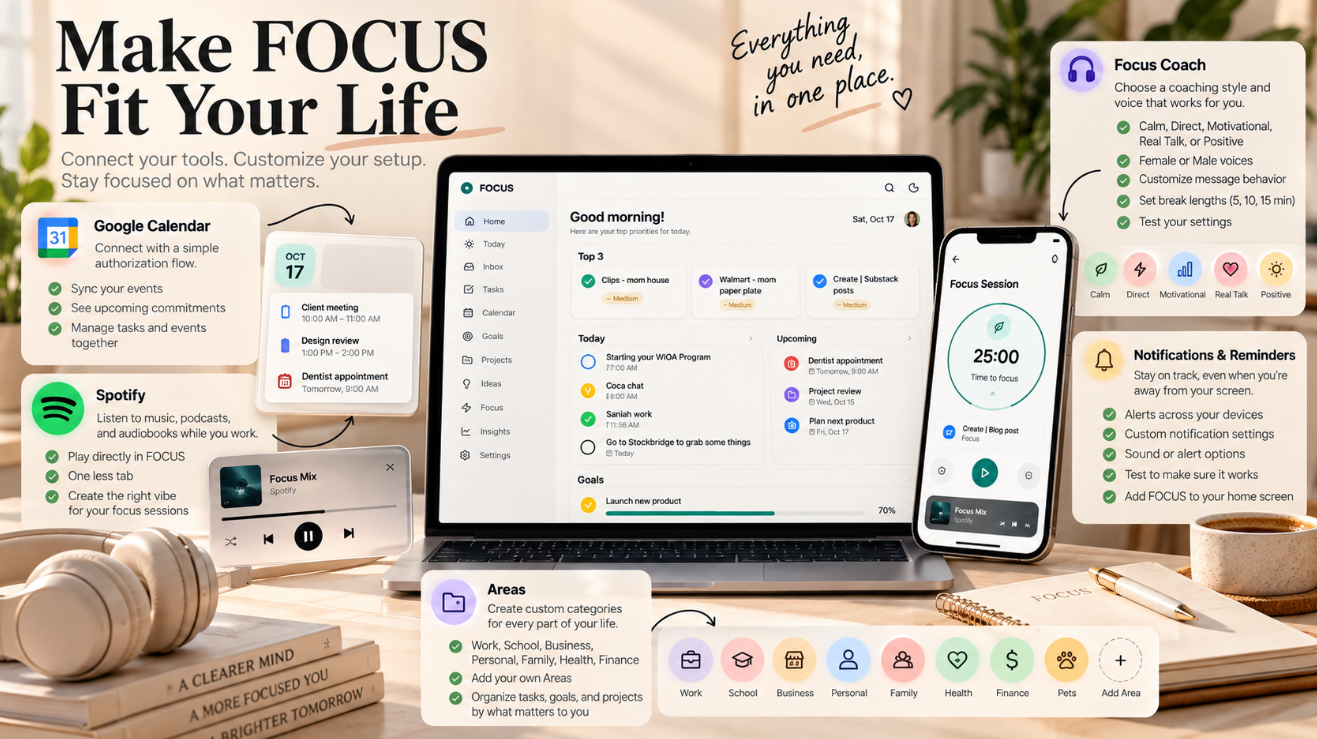
You shouldn't have to keep switching between tabs just to manage your day. FOCUS supports connecting Google Calendar through an authorization flow, so you can connect your account and work with your calendar as part of your planning routine. You can keep track of upcoming commitments while organizing your tasks and priorities. Spotify is another integration designed to make your workspace more convenient. If you like listening to music, podcasts, or audiobooks while you work, having Spotify available within your FOCUS experience can mean one less place to navigate while you're getting things done. The idea isn't to replace every tool you use. It's to make your workflow feel more connected.
Create Categories That Reflect Your Life
One of my favorite ways to think about organizing responsibilities is to separate them into areas of life. In FOCUS, Areas let you create categories that make sense for you. You might start with Work, School, Business, Personal, Family, Health, or Finance. But you're not limited to a preset list. You can add your own Areas to reflect what you're actually managing. For example, caring for pets comes with its own responsibilities: keeping up with appointments, remembering preventive care, and making sure supplies or special food are ordered on time. You could create a Pets Area and organize related tasks there. Someone else might create an Area for a side business, a certification they're studying for, or managing their household. Your categories should help you find what you need—not force your life into someone else's system.
Make Your Focus Sessions Feel More Personal
Not everyone responds to the same kind of encouragement. Some people prefer a calm reminder. Others want something more direct or motivational. That's why FOCUS includes customizable Focus Coach settings. You can choose a coaching style, select from available voice options, and adjust how messages and sounds behave during your timed focus sessions. You can also configure break lengths and test your settings. Whether you're studying for an exam, working on a business project, or trying to finish an assignment, you can shape the experience around what helps you stay engaged. It's a small reminder that productivity doesn't have to look or sound the same for everyone.
Stay on Track With Notifications and Reminders
Sometimes, you start a timer and then move on to another task. Or you step away from your screen and lose track of time. FOCUS lets you configure notifications and reminders to support your routine. Depending on your device, browser, and notification permissions, alerts can help you know when it's time to check back in—even when you're not actively looking at the FOCUS tab. You can test your notification setup in Settings and check that your device permissions are enabled. You can also add FOCUS to your device's home screen where supported, making it easier to return to your workspace. The goal is to make it easier to stay connected to your plan without having to keep checking the app.
Build a Setup That Works for You
You don't need to customize everything on day one. Start with one change. Connect your calendar, create an Area for a part of your life you want to organize, or adjust your Focus Coach settings. Then give yourself a little time to see what works. FOCUS brings these options together so you can build a routine around your real responsibilities—not an imaginary day where nothing unexpected ever happens.
Make FOCUS your own
Connect your tools, customize your Areas, and create a focus routine that fits your day.
Explore FOCUSTags: FOCUS, Google Calendar, Spotify integration, productivity, focus sessions, notifications, time management